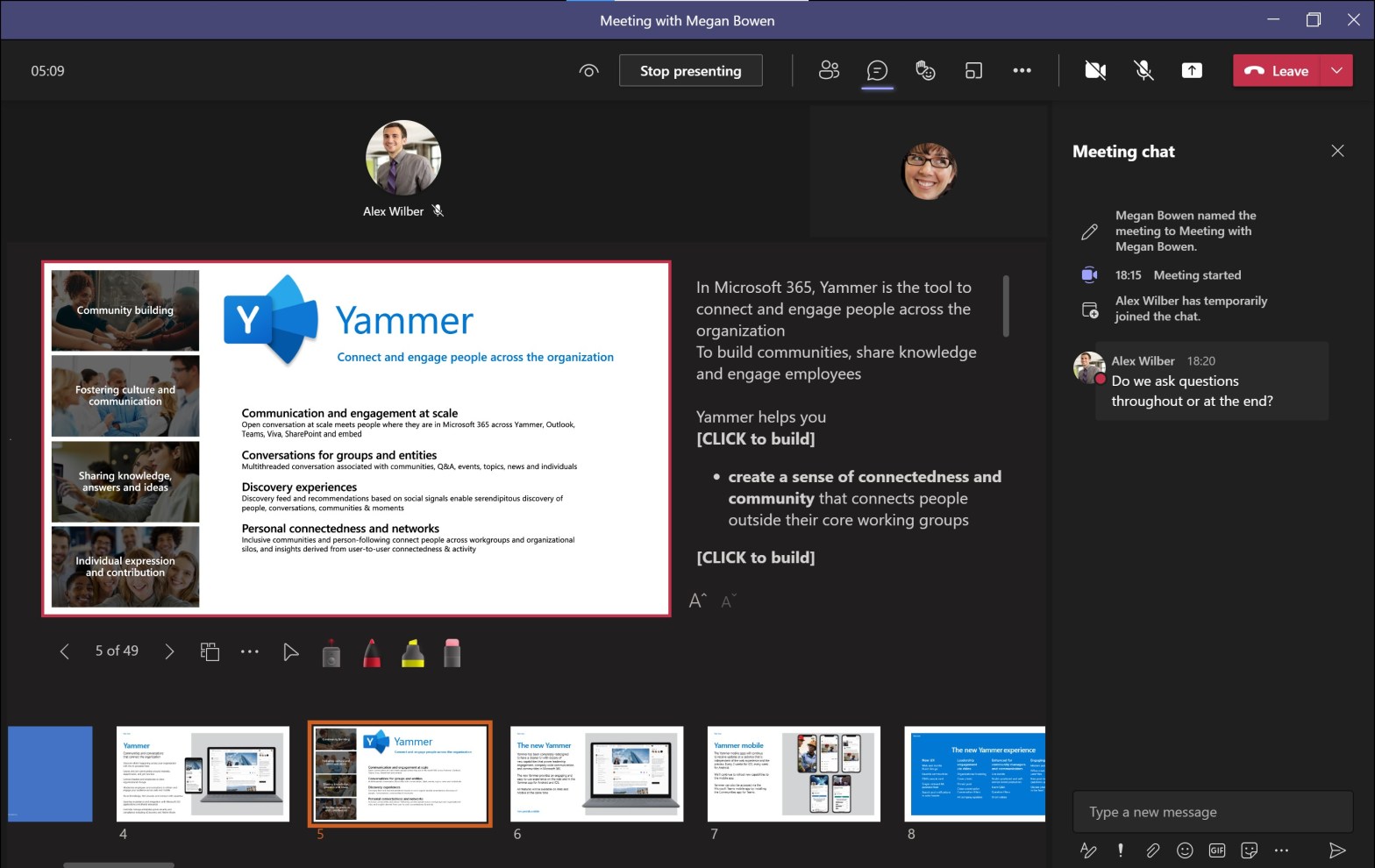
The Microsoft Teams team have been adding new features and options to the Teams experience every month for the past few years and one of them is so useful for remote presentations that it warrants an update to my recommendations of how to present remotely. If you’re interested in further ideas you may want toContinueContinue reading “PowerPoint Live – Presenting Remotely #10”
Category Archives: RemotePresentations
Handing Over to Others – Presenting Remotely #9

“Next slide please… Can we go over to the next slide please?” When presenting remotely, often you are presenting together with others and you need to share the time speaking. This will inevitable lead to some handovers. There are a few tricks and considerations that can help make these smooth and this can prevent awkwardContinueContinue reading “Handing Over to Others – Presenting Remotely #9”
Using a Whiteboard – Presenting Remotely #8
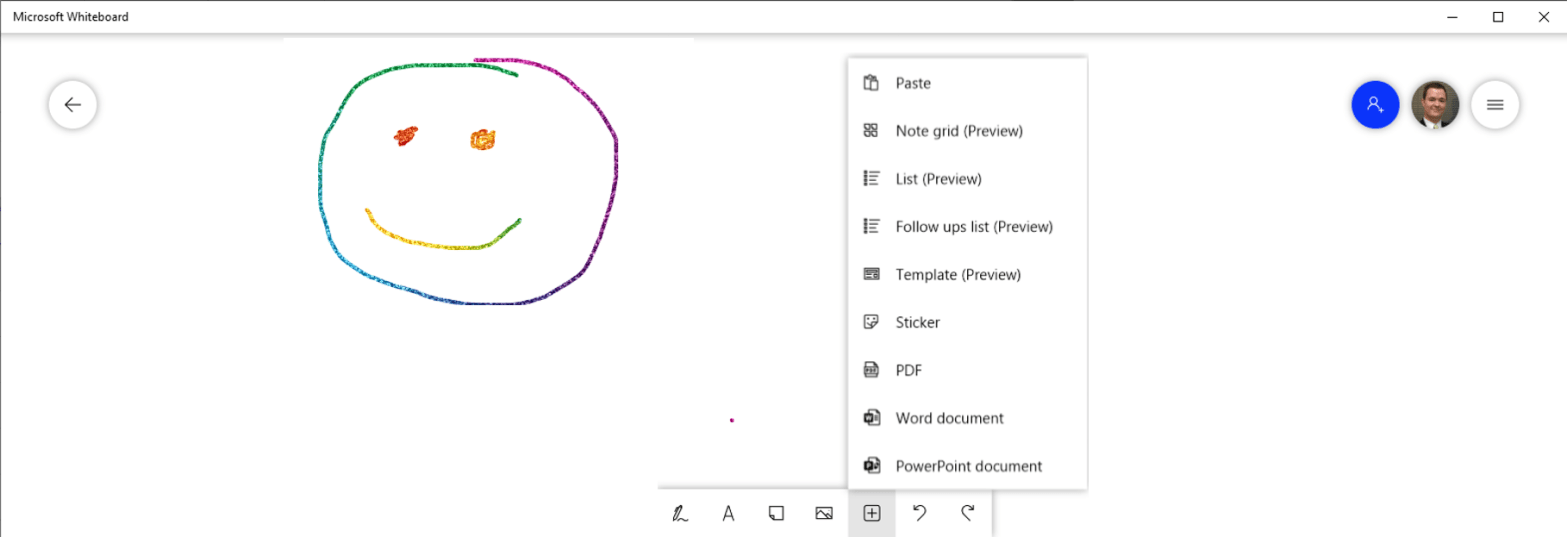
“It would be so great to be in the same room. This is much easier to sketch out on a whiteboard.” A picture is worth a thousand words. This is especially true when you are trying to explain something that is complex, involves various relationships between “things” and may even be fluid in the senseContinueContinue reading “Using a Whiteboard – Presenting Remotely #8”
Camera Controls – Presenting Remotely #7
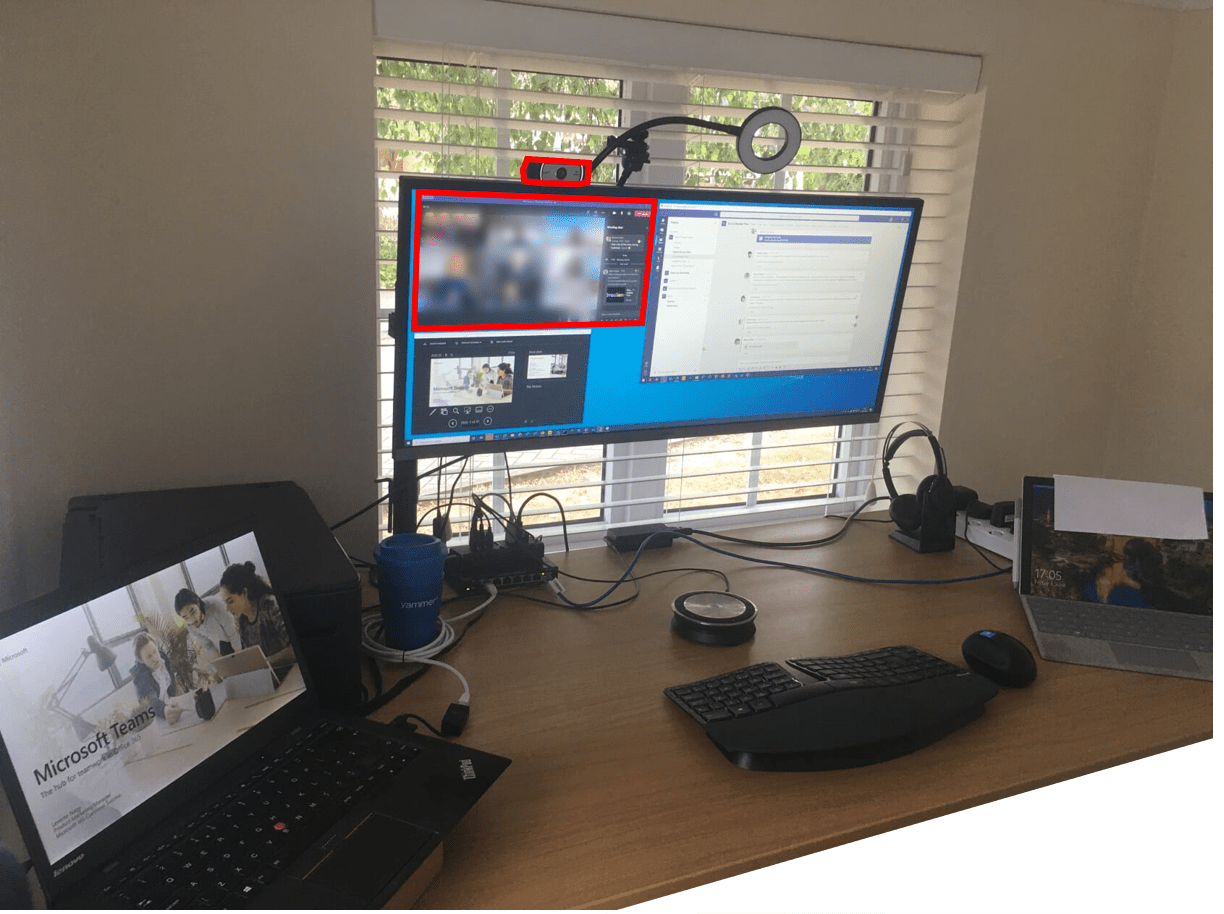
“Just a little adjustment to the framing… and the colours could be better too…” This is a quick set of tips in my series of articles on improving your remote presenting game and it may be a bit device specific but I found it useful so I thought I’d share. While you’re here, don’t forgetContinueContinue reading “Camera Controls – Presenting Remotely #7”
Remote Holidays – It’s Almost Like Presenting ;-)

2020 has been a tumultuous year for all of us and I’m sure you are looking forward to some time off with the family. Many of us however need to spend the Holidays far from some of our family and loved ones to keep them, ourselves and the wider community safe. Nothing can replace physicalContinueContinue reading “Remote Holidays – It’s Almost Like Presenting ;-)”
Playing Audio and Video – Presenting Remotely #6
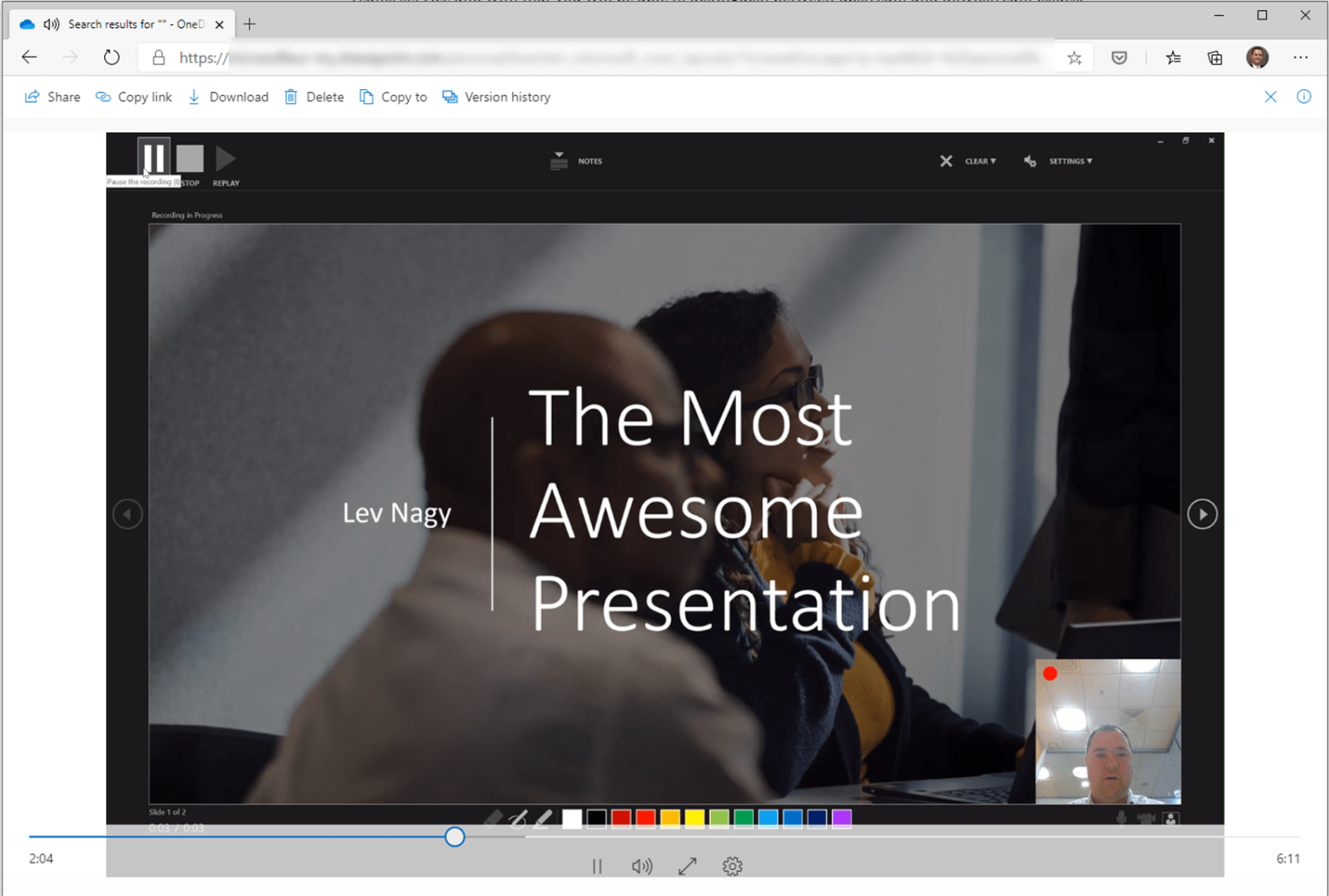
“Can you hear it? No? Oh well… it would have been very entertaining.” Presentations are performances and the more senses a performance engages with the more immersive the experience becomes. A standard presentation will play with your intellect, your hearing and your vision but if you can add an element of motion and good qualityContinueContinue reading “Playing Audio and Video – Presenting Remotely #6”
Presenting Teams in a Teams Meeting – Presenting Remotely #4
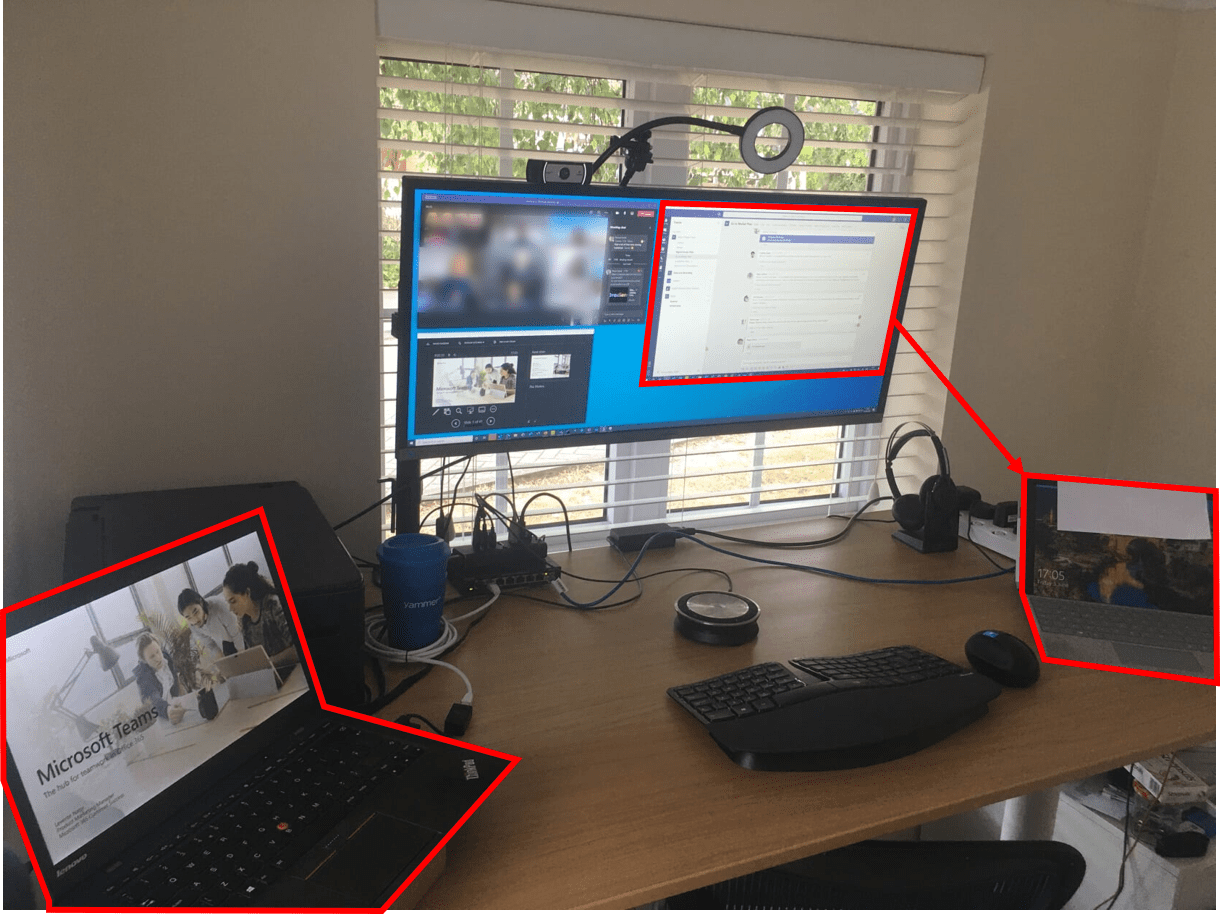
This is the fourth in a series of articles about remote presentations. Check out the previous articles on audience engagement, single screen wizardry and using a hot screen too! “How do I present Teams inside of a Teams meeting?” Being a product manager for Microsoft 365 many of my presentations involve demonstrating one or moreContinueContinue reading “Presenting Teams in a Teams Meeting – Presenting Remotely #4”
A Better Way for Single Screen Presentations – Presenting Remotely #2B
“Wait! There’s more!” This is an update to my earlier post about presenting remotely from a single screen. Responding to my LinkedIn article Bill Compton – a customer and friend pointed out that there is a better way to a single screen presentation than the Reading view in PowerPoint. I didn’t know that the presenterContinueContinue reading “A Better Way for Single Screen Presentations – Presenting Remotely #2B”
Peace of Mind and the “Hot Screen” – Presenting Remotely #3
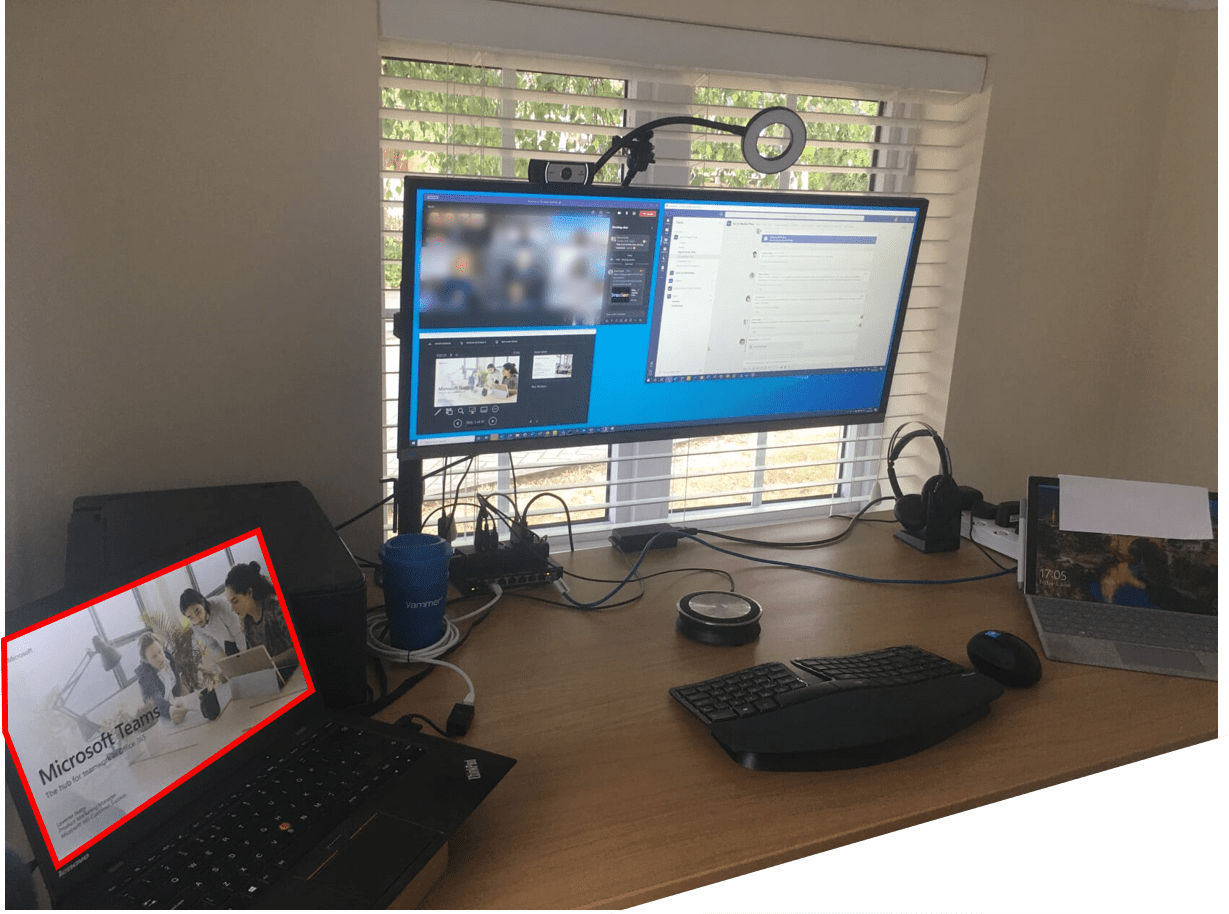
“Ouch! I shouldn’t have shown that window… I wonder if anyone glanced my notes that I’ve been taking? Is this being recorded?” This is the third article in a series that I am sharing to help you improve your remote presentations and make them more elegant, engaging and efficient. Check out the first two articlesContinueContinue reading “Peace of Mind and the “Hot Screen” – Presenting Remotely #3″
What If You’re Stuck with Only One Screen? – Presenting Remotely #2
“Can someone watch the chat window for me because I cannot see it? I have only one screen to work with.” This is the second in a series of articles that share tips and tricks about how you can make your remote presentations better and more engaging in our new hybrid working environment. In theContinueContinue reading “What If You’re Stuck with Only One Screen? – Presenting Remotely #2”
 LevInProgress